 Dusk
DuskLight and dark, on your terms.
Choose the Dusk edition that fits how you use your Mac, or run Dusk for Chrome by itself. Each edition has its own features and privacy policy.
No account or analytics. See each edition's policy for its data and network use.
Choose your edition
The Mac editions are separate apps with different features. Dusk for Chrome can also run on its own.
Dusk for Mac · App Store
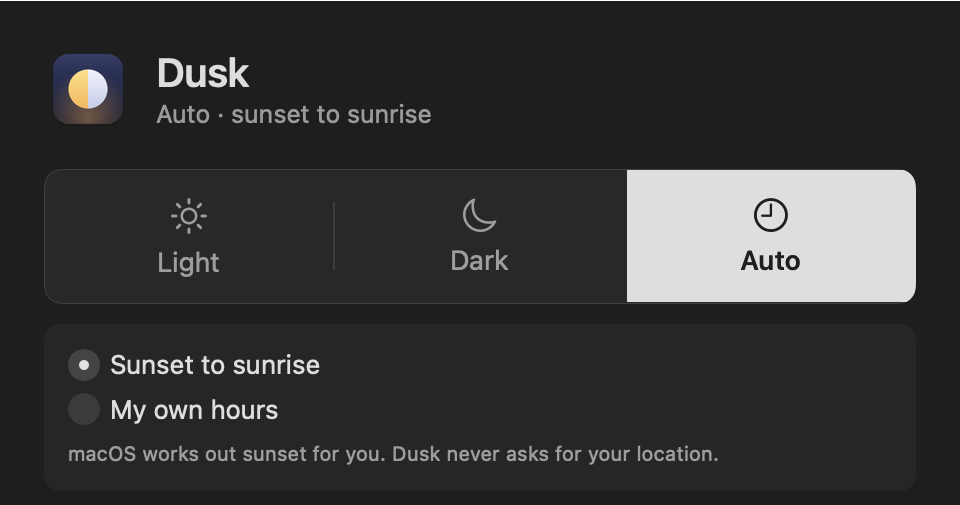
Switch macOS between Light and Dark from the menu bar, manually or on your own daily hours. Requires macOS 14 or later. No app inventory, website controls, or sunset schedule.
In development · App Store availability is not confirmedDusk for Mac · direct download
The separate Mac edition includes app inventory and setup guidance, per-app choices, sunset scheduling, and optional browser profile sync. Its updater can contact the update feed.
Coming soonDusk for Chrome
Run the Chrome extension on its own to darken compatible websites and set per-site choices. An optional extension build can sync profiles with the direct-download Mac edition; the Chrome Web Store build does not include this connection.
Coming soonWebsites, too
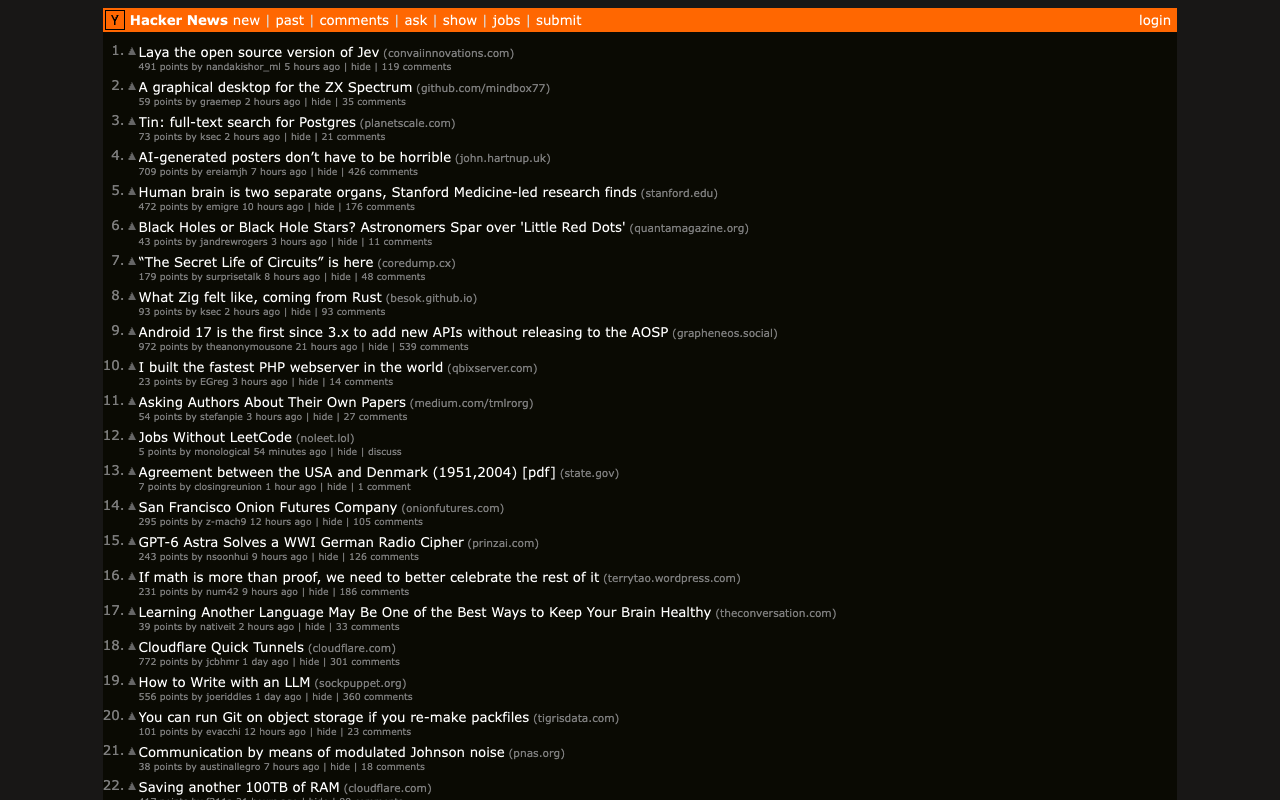
Dusk for Chrome follows your browser's light or dark setting, darkens sites that have no dark mode, and leaves sites with a good dark mode alone. It works without either Mac app.
- Photos and video keep their natural colours.
- Set one site always dark, always light, or off, from the popup.
- Automatic detection does not remember visits in Incognito windows. Settings you explicitly save in the popup may remain in Chrome.
- It works by itself. The Mac app is not required.
What Dusk cannot do
- macOS does not let one standard Mac app stay dark while the rest is light. Dusk can keep such an app light, but not dark.
- Some apps, such as Calculator or Minecraft, have one fixed look. Nothing can change that, and Dusk says so.
- When you choose Always Light, the direct-download edition adds or removes a standard macOS preference for that app. Separately, optional sync changes one documented theme value in supported apps' settings files and keeps a backup.
- Pages that use colour to carry meaning, such as charts and maps, can look wrong when darkened. Switch Dusk off for that site.
Privacy depends on the edition
The direct-download Mac app can check its update feed; you can turn automatic checks off. The Chrome extension makes no network requests. Read the direct-download and Chrome privacy policy or the separate App Store edition privacy policy.